








Slack
Contents
The PostHog app for Slack helps you stay connected to your product data and receive timely updates directly in your workspace.
Features
The PostHog app for Slack provides three key capabilities:
Subscribe to product insights and dashboards – Receive regular digests of your key metrics in chosen Slack channels.
Set up Slack notifications via PostHog Data Pipelines – Get timely notifications of any event or action in PostHog.
Installing the PostHog Slack app
1. Adding the PostHog Slack app to your workspace
Starting in PostHog, you can add the PostHog Slack app to your workspace in your project settings.
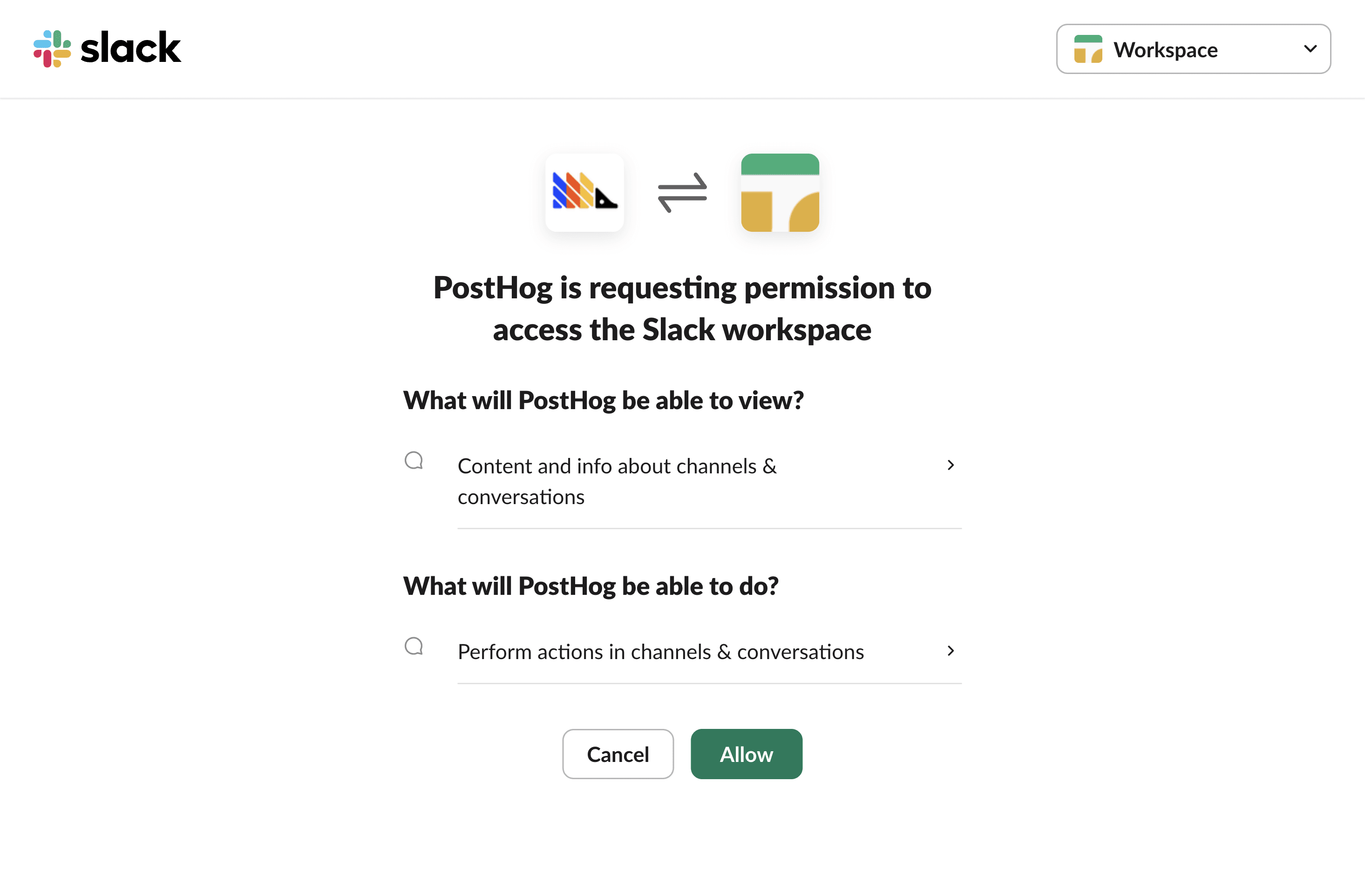
The PostHog Slack app will require some basic permissions which you can grant by clicking the Allow button.
2. Adding the PostHog Slack app to specific channels
Then, head to Slack and add PostHog to specific Slack channels. To do this:
- In the Slack channel header, click the top right menu and click Open channel details
- Navigate to the Integrations tab
- Click the Add an app button
- Under In your workspace, click PostHog
You can also try tagging the @PostHog bot in the channel to add it to the channel.
Subscribing to insights and dashboards
You can receive regular updates of your insights or dashboards directly in Slack.
To set up a subscription:
- Open the insight or dashboard you want to subscribe to in PostHog
- Click the dropdown menu in the top right corner (three dots)
- Click Subscribe
- Click "Add subscription" and select Slack as the destination
- Choose the Slack channel where you want to receive updates
- Set your desired frequency (daily, weekly, monthly, etc.)
For more details, see our subscriptions documentation.
Setting up event notifications
You can send custom messages to Slack based on PostHog events or actions using Data Pipelines destinations.
Common use cases include:
- Notifying your team when a user completes a key action
- Alerting on errors or issues detected in your product
- Sharing important user milestones with your team
- Sending survey responses to a dedicated channel
To set up event notifications:
- Go to the Data pipeline tab in PostHog
- Click the Destinations tab
- Click + New destination and search for "Slack"
- Configure which events or actions should trigger notifications
- Select your Slack connection and channel
- Template your message using event and person properties
For detailed setup instructions, see our Slack destination documentation.
What can you do with this integration?
The PostHog Slack integration helps teams stay informed and make data-driven decisions without leaving Slack. You can:
- Stay updated on key metrics – Receive regular reports on user behavior, feature adoption, and conversion rates
- React quickly to events – Be notified immediately when important user actions or errors occur
- Share insights with your team – Make product data accessible to everyone in relevant channels
- Monitor product health – Keep an eye on critical metrics and get alerted to anomalies